

We’re Sorry to See You Go
If you’ve decided to leave, we’ve made the process simple. You can delete your account and its data directly from the GOAT app.
Here’s how:
- Log in to your account on the GOAT app.
2. Go to your profile by tapping your profile picture.
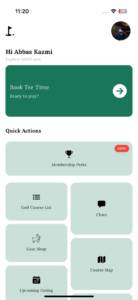
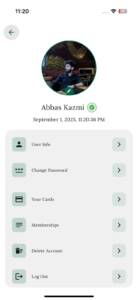
3. Scroll to the bottom of the menu and tap “Delete Account.”
4. You will see a final confirmation screen. Tap the red “Delete Account” button to confirm.
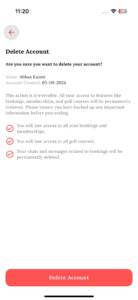
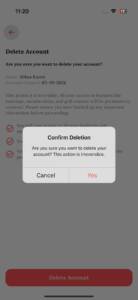
Important: Once you confirm, your account and all of your information will be permanently removed and cannot be recovered. Please be certain before proceeding.